Yanvu
Use your Android tablet as a wireless second monitor for your Windows PC.
Live

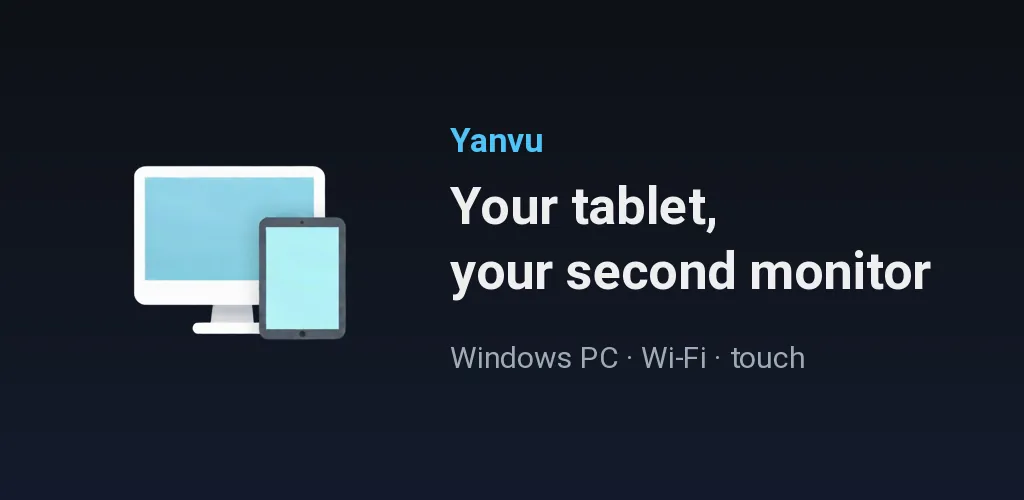
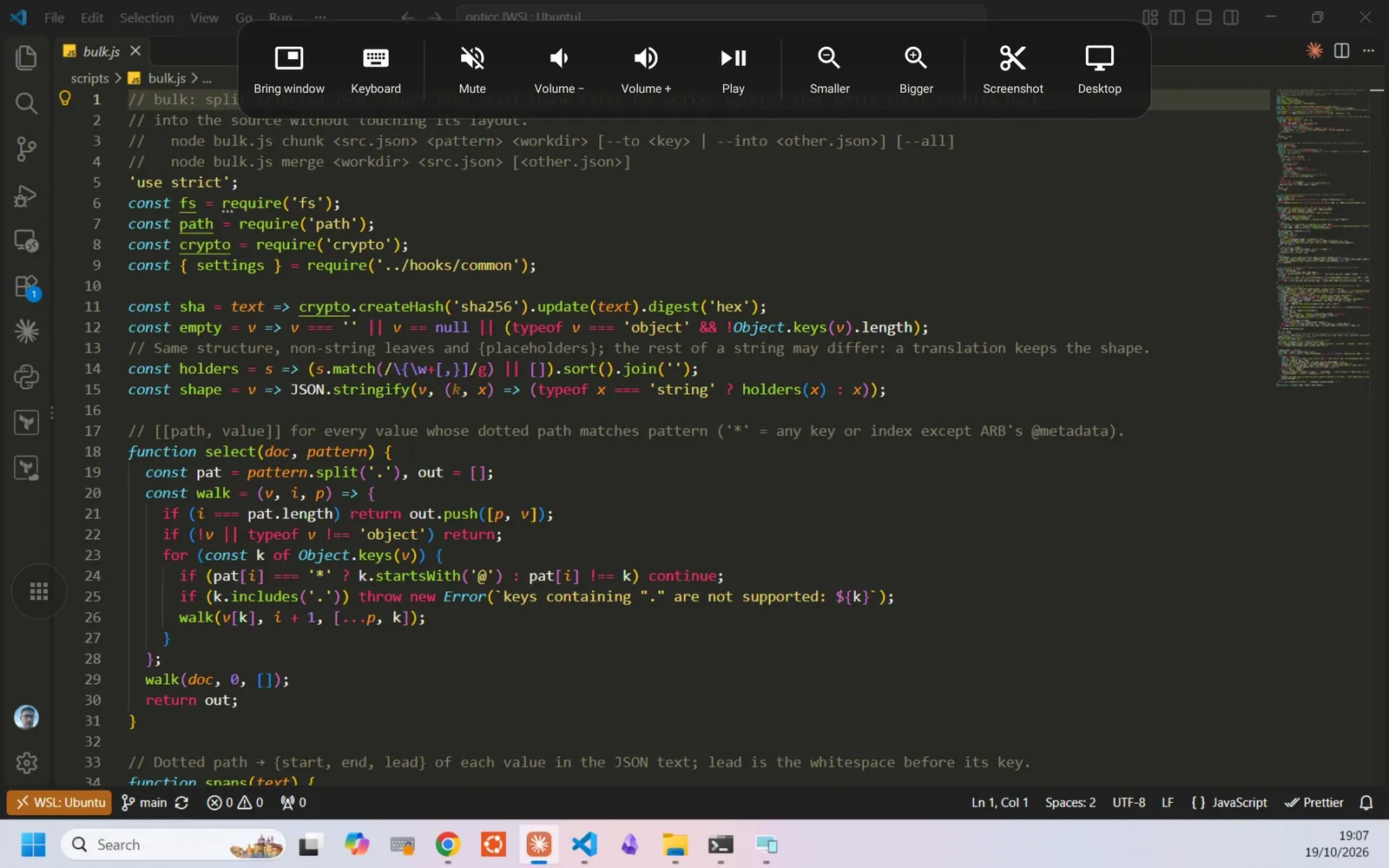
The tablet in the drawer, the second screen on the desk.
Maker's note
A 2014 Galaxy Tab S was sitting in a drawer: a 2560×1600 AMOLED screen, Android 6. Ready-made tools exist, but the question was whether I could write the software myself. On the first night the USB cable would not show the tablet, so I went with Wi-Fi; by early morning the extended Windows desktop was on the tablet.
The rest was measuring. On paper the tablet's decoder handles 2560×1600, but not at 60 frames; sending full resolution made the mouse lag. The app now asks the decoder what it can keep up with and picks the size from that. I tried a cable too: the lag stayed the same, so the bottleneck was the decoder, not Wi-Fi. USB did not make it into the product.
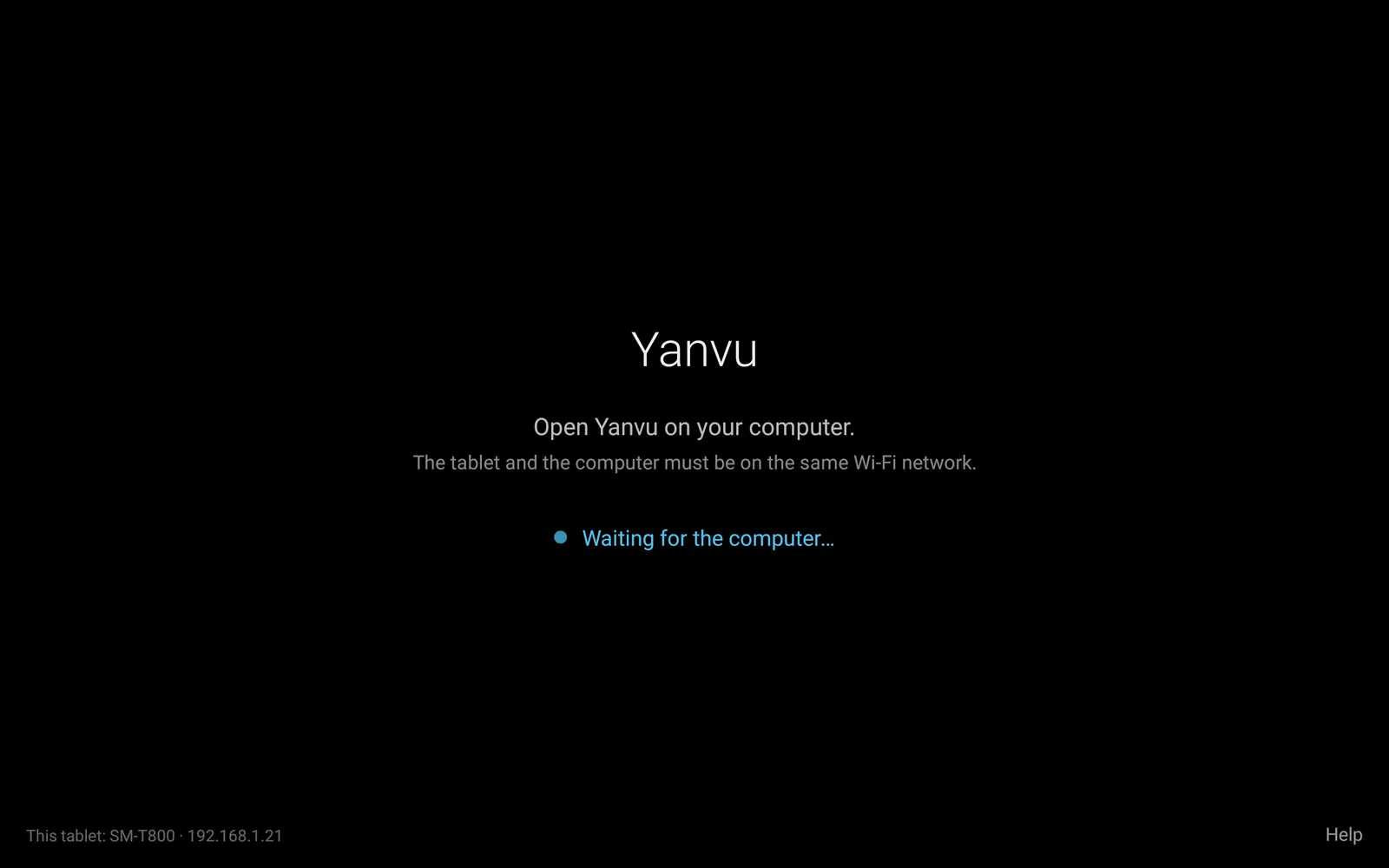
I did not want connecting to mean typing an IP address. The PC finds the tablet on the network by itself, you type a six-digit code the first time, and after that they connect on their own whenever both are on the same Wi-Fi.
What it does
A real monitor
A virtual monitor driver is installed on the PC, and Windows sees the tablet as a second screen. Extend the desktop, drag windows across. Hold the tablet upright and the screen turns portrait too.
No cables, no addresses
When the tablet and the PC are on the same Wi-Fi, the PC finds the tablet by itself. The first time you type the 6-digit code from the tablet into the PC; after that it just connects.
Touch
A tap on the tablet is a click, a swipe is a scroll. After 10 minutes with no input the screen dims, so a fixed taskbar does not burn into an AMOLED panel.
Yanvu Pro
A one-time purchase. The shortcut bar with buttons for pulling windows over, sound, scale, screenshots and the desktop; the tablet's own keyboard; 60 frames per second instead of 30; more than one PC. On Android 5 tablets Pro is switched on from the start.
The PC program
Windows 10 and 11, 64-bit. Uses the hardware encoder of NVIDIA, Intel and AMD graphics; NVIDIA gives the highest frame rate. Download: alisarac.github.io/yanvu.
Nothing leaves your network
No account, no server. The picture goes straight from the PC to the tablet inside your own network; the pairing key is never sent over it.
Details
- Platform
- Android tablet (5.0+) and Windows PC
- Connection
- Same Wi-Fi, no cable
- Languages
- English, Turkish
- Internet
- Not required
- Account
- None
- Price
- Free; Pro is a one-time purchase
- Version
- 0.12 · 20 Oct 2026
Get the app
Use your Android tablet as a wireless second monitor for your Windows PC.
If you want to ask something about the app, alisarac@gmail.com